
QR scanner & maker for iPhone
Make QR codes
with Art.
Give a menu, a Wi-Fi network or a contact card a picture of its own. Create it on your iPhone and share it on paper or on screen.
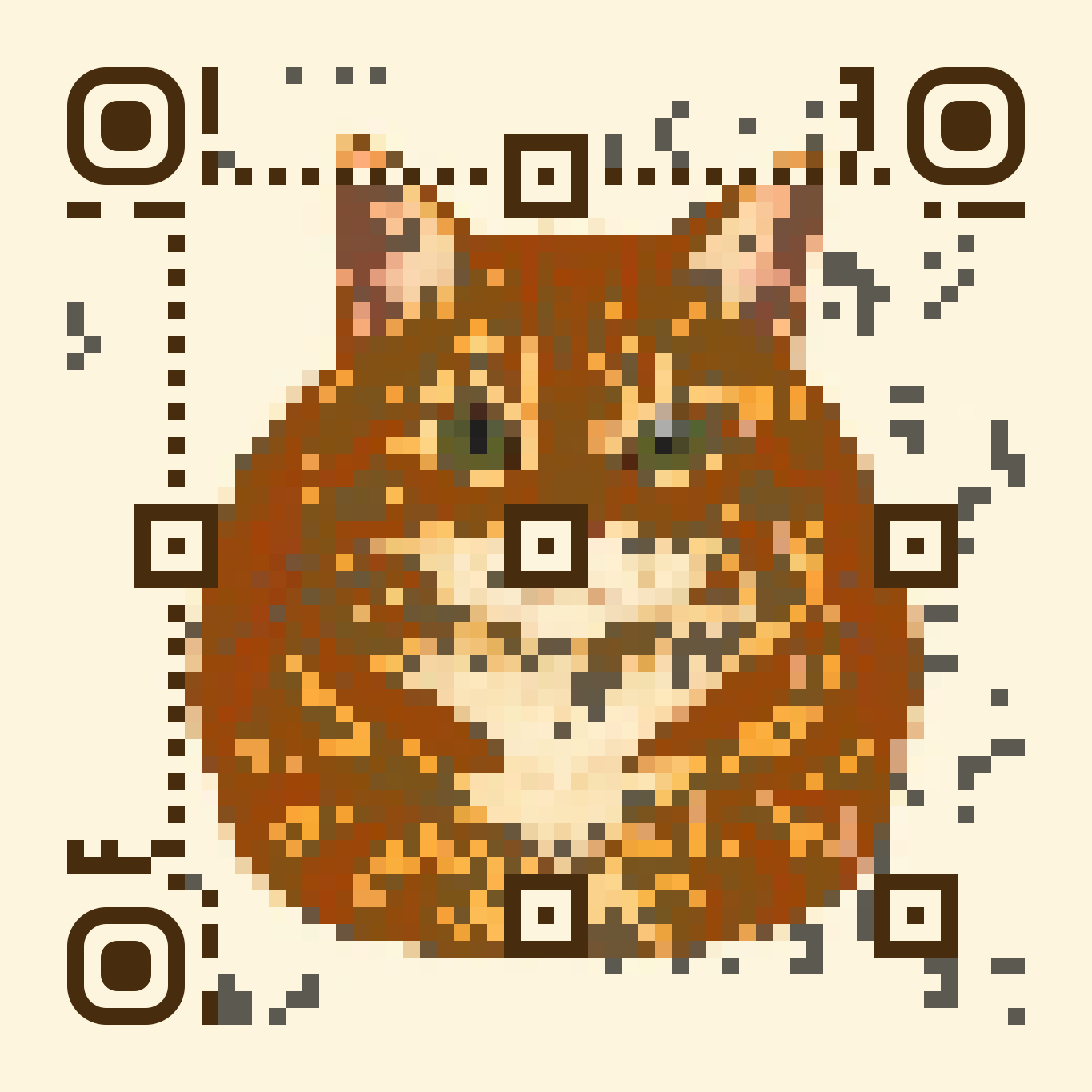 Scan to get the app
Three codes to try
Scan a code to see what it holds. Switch to Artwork to see the illustration it started with.
How it works
- Inspect a scan
- Point the camera at a QR code or barcode, or pick a photo. Read the contents and check the destination before opening a link.
- Choose the picture
- Enter what the code should share, choose Art and pick an illustration. The preview shows how closely the code resembles your picture.
- Print or share
- Review the test scans, then save a PNG or export a scalable SVG. Try a print at its intended size before making a whole stack.