
QR scanner & maker for iPhone
Make QR codes
with Art.
Make a QR code for a café menu, your guest Wi-Fi or a contact card, then give it a picture of its own. Share it from your iPhone or print a copy for the counter.
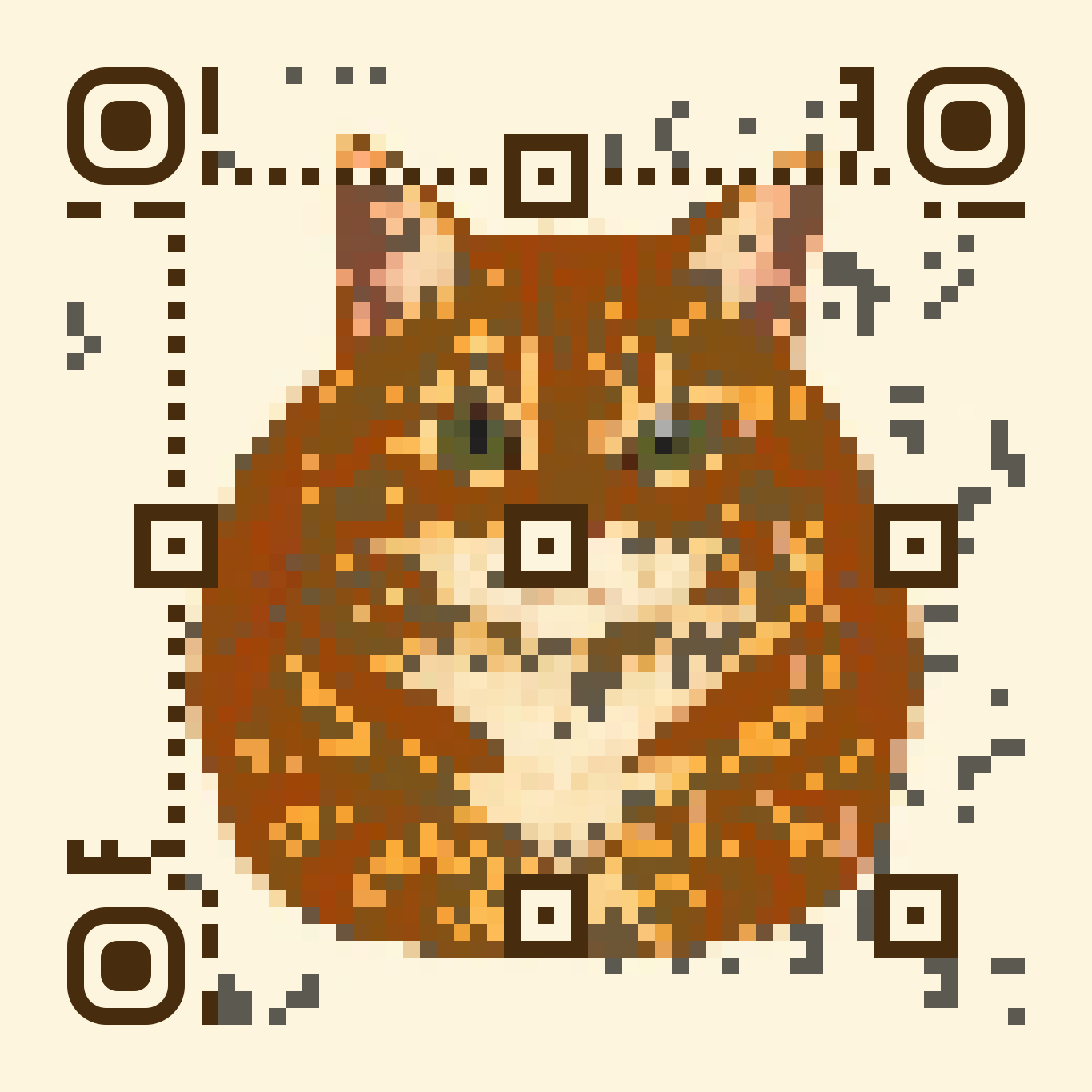 Scan to get the app
Three codes to try
Scan a code to see what it holds. Switch to Artwork to see the illustration it started with.
How it works
- Inspect a scan
- Point the camera at a QR code or barcode, or choose a photo. Read what the code contains and check where a link goes before you open it.
- Choose the picture
- Enter what the code should share, choose Art and pick an illustration. The preview shows how closely the code resembles your picture.
- Print or share
- Check the test scans, then save a PNG or export a scalable SVG. Try one copy at the size you’ll use before printing the rest.